Webshop customer data and email flows: what is possible and in which order

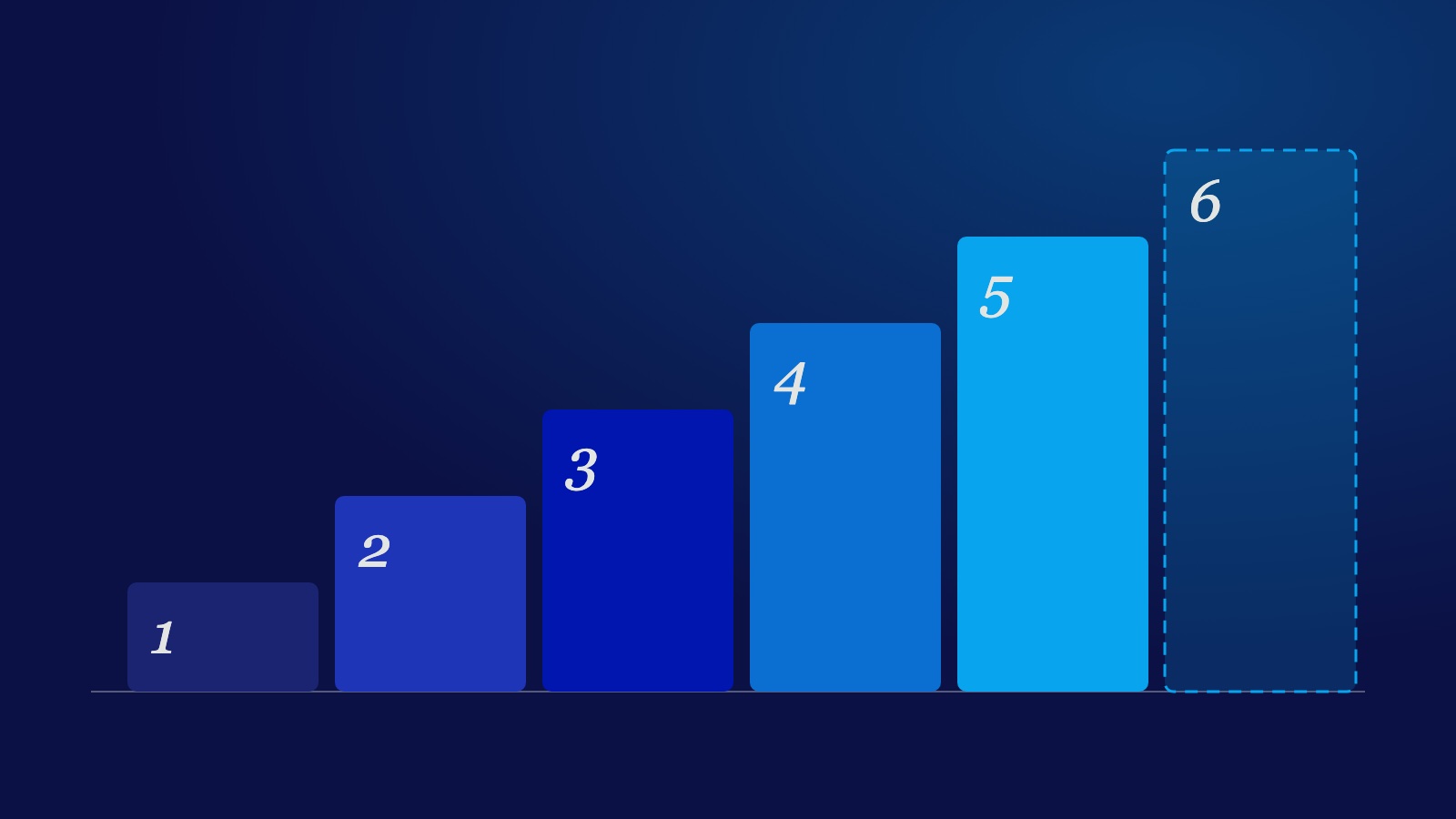
Every few weeks a new list of "smart tactics" for online stores appears: extending identity, tracking micro-conversions, server-side tagging, quizzes, discount-code triggers. They all sound reasonable. Yet most of them do not fit a small or mid-sized shop, or work differently than the list says. This article goes through each tactic: what it is, when it pays off and in which order to build them.
Order first, tactics second
A tactic optimises something that already runs. If it is not running, there is nothing to improve. So the list starts at the bottom with the basics and works upward. Do not skip a step because the next one sounds more interesting.
- A correct link between your shop and your email platform. Compare the number of customers in your shop with the number of profiles in your email platform. A large gap means customers or orders are missing, and everything you build on top rests on those gaps.
- The standard flows. Abandoned cart, abandoned checkout, welcome series and viewed product. These are the emails that return revenue without any extra data.
- Consent in order. See the section below. Whatever you build next, you build on data you are allowed to use.
- One micro-signal. Pick the signal with the clearest buying intent, often a sold-out size.
- Ask for preferences. A category choice in your signup popup, or a quiz if your range calls for one.
- Only then technical refinement such as longer recognition or server-side tagging, and only if you can show what you are missing without it.
The tactics one by one
Standard flows
Not exciting, but it usually returns the most. Once the connection is correct, the email platform catches an abandoned cart or checkout by itself, provided the connection and consent are correct. A welcome series tells a new subscriber who you are and what you sell. A viewed-product email picks up someone who looked but did not buy. Set these three up first and let them run for a few weeks before adding anything new.
Micro-conversions
A micro-conversion is a small signal before the purchase: choosing a size, saving a product, spending a long time on a page. For clothing the strongest signal is a size that turns out to be sold out. Someone who picks that size wants to buy. A notification when the size is back is then a logical email. Platforms such as Klaviyo have a built-in back-in-stock feature for this, often with conditions on your shop platform or theme. First check whether your theme already passes on the chosen size; if so, you do not need a tag manager. A trigger on "size chart viewed" only works if you have a size chart. Do not build a signal on something that does not exist.
Quizzes and filters
A quiz is valuable when customers really have to choose between different products, such as skincare or mattresses. If you do not have one, you do not need to start. A smaller version is a category choice in the signup popup (for example jackets, sets or knitwear). It tells you from the first email what someone is interested in.
Extending identity to 365 days
The idea is that a visitor stays recognisable for longer, so an email clicked weeks later can still be linked to the right visit. In Safari a cookie set by a script on the page can expire after about seven days, and storage written by a script can be cleared after about seven days without a visit. A cookie set by your own server is usually exempt, unless it is set via a CNAME to a third party or from an external IP address. Some email platforms offer such a server cookie themselves. So check what your platform can do before building anything. Links in emails also often carry their own parameter that lets the platform recognise the click.
Server-side tagging
This moves part of your tracking from the browser to your own server. It makes sense at high volumes or when data loss is a serious problem. It costs a server, maintenance and expertise. If your email platform already receives orders through the shop integration, server-side tagging usually solves little for email. For a small shop it is overkill.
Consent
This is the point most often skipped. For tracking and marketing cookies, prior consent is required in the Netherlands (article 11.7a of the Telecommunications Act, plus the GDPR). A banner that already tracks before someone has made a choice does not meet that. Strictly necessary and certain analytical cookies are outside this. It is not something to add later: everything you build above should only use data you have consent for. So fix it before you add micro-signals and preferences.
A failed discount code as a trigger
The idea: someone enters a code that does not work and receives an email with a working one. It sounds good, but Shopify has no standard event for a failed discount code at checkout, so there is nothing to trigger on without custom work. And a customer who drops out at checkout is already caught by the abandoned-checkout flow. Leave this one.
When to take which step
A short rule of thumb: a step is done when it runs, not when it is built. The flows are done when they send emails and attribute revenue. Consent is done when tracking only starts after a choice. Only then does it make sense to add signals. If by step six you are mostly busy with technology and hardly with customers, go back a step.
Want to go through this for your shop?
I am happy to look at what your connection, flows and consent do today, and which next step returns the most. Book a 15-minute intro call.
Want to know what is possible for your site? Ask me.
hello@sahardid.comAmsterdam